- Kind
- App Productivity
- Works on
- Phone + computer
- Where
- Browser No install
- Updated
- Oct 25 2026
Why it's worth it
- What you getFinish the day knowing the important things got done, and see your goals actually move.
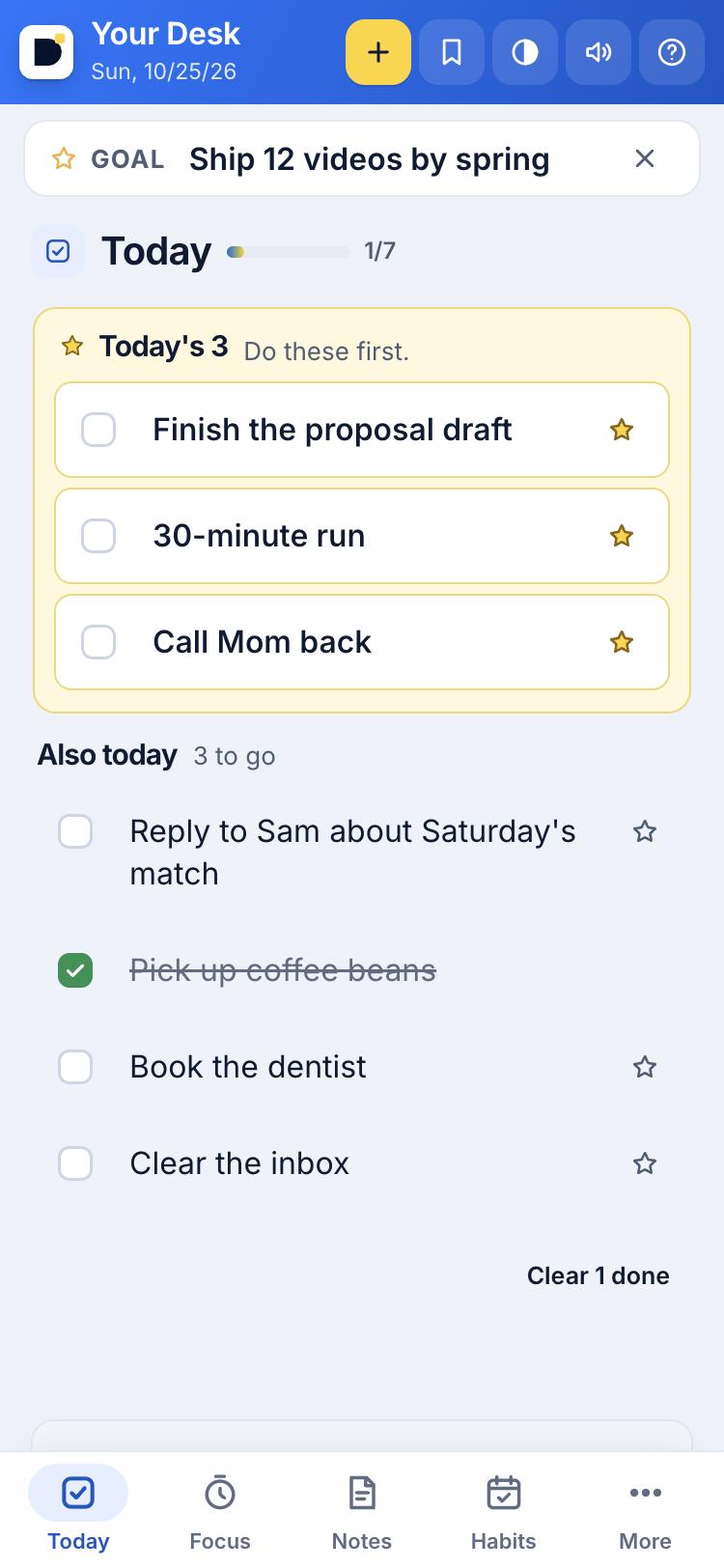
- Why it worksBuilt on two proven methods: pick your three most important tasks first, then work in focused 25-minute blocks (the Pomodoro technique). Your to-dos, habits and goals are linked, so progress adds itself up.
- How fastOpen it and type your first task. Your day is planned in under a minute.
- How easyFree. No account, no email, no install. It saves on your device and can sync your phone and computer with a private code.
To-dos, notes, habits, focus and goals in one calm place.
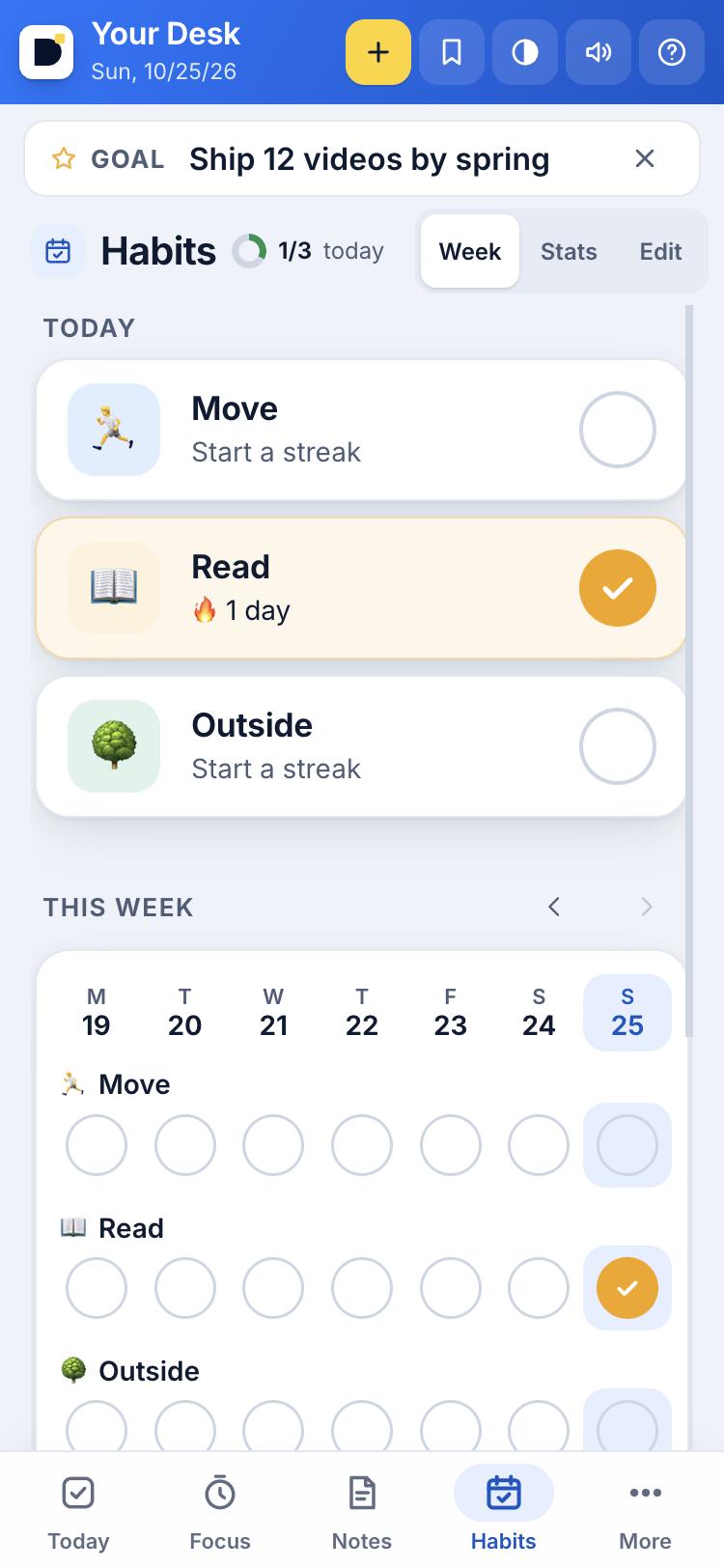
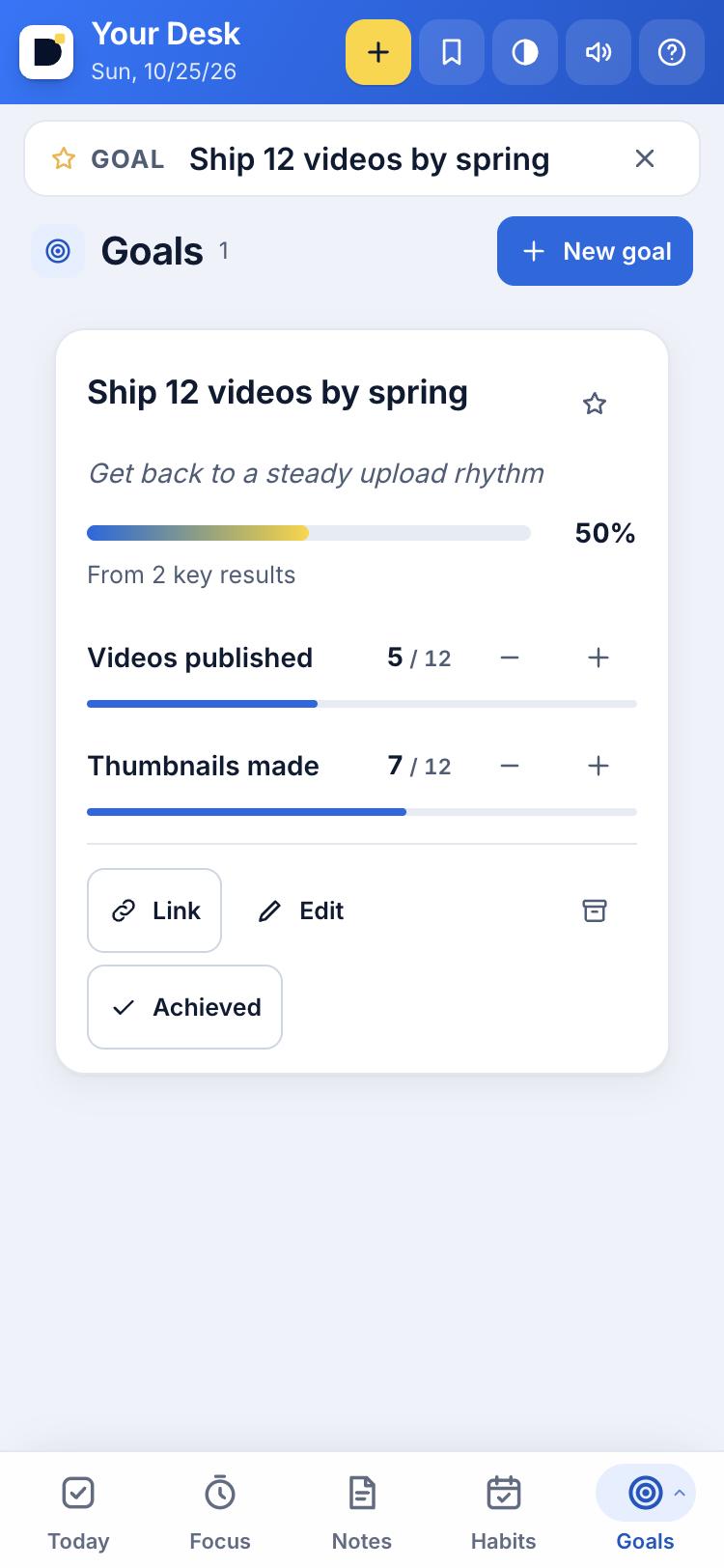
Your Desk is a free planner that lives in your browser. Pick Today's 3, run a focus timer, keep notes, track habits and set goals with things you can actually count.
Link a to-do to a goal, a habit or a note and the progress fills in on its own. Add it to your Home Screen and it opens like an app. Sync your phone and computer with a private code: no account, no email.
Questions
Is Your Desk free?
Yes. Your Desk is free, with no ads and no account.
Do I need to sign up?
No. Everything saves in your browser on your device. If you want it on your phone and computer, turn on Sync and pair them with a private code.
Can I use it as an app on my phone?
Yes. Open dailytekk.com/desk/ and add it to your Home Screen. It opens full screen with its own icon.
What can it do?
Today's list with Today's 3, a focus timer, notes, habits, goals with key results, voice notes, an idea board and a daily log, all linked together.
What's new
Notes swipe like to-dos on a phone: swipe a note right to pin it to the top (or unpin it), left to delete it with Undo, or a little way to show the button. The goal is now a slim line on Today instead of a bar on every tab, so Focus fits on small phones. Typing on a phone keeps the box fully in view above the keyboard, and the Your Desk logo takes you back to Today.
Your Desk ties together now: tap Link on a to-do, note, habit or goal to connect them, and the links show as small chips you tap to jump. A to-do can tick off a habit and count toward a goal, and focus sessions are logged on the to-do. New Goals section with key results, progress bars, due dates and a pinned goal in the goal bar, and Ideas is an idea hopper: Someday to Shipped, one-off or ongoing, with an archive.
Type / in a note for headings, lists, checklists and the date. A goal bar keeps your one big goal in view.
Notes work like a normal notes app: real bold, headings and checklists. Markdown is a switch, if you like it.
 Daily Grind FMMusic
 CommonplaceWriting
 Wallpaper MakerCreativity
 DT PostersArt