- Kind
- App Productivity
- Works on
- Phone + computer
- Where
- Browser No install
- Updated
- Nov 2 2026
Why it's worth it
- What you getKnow what matters today, and keep everything else in one calm, private place.
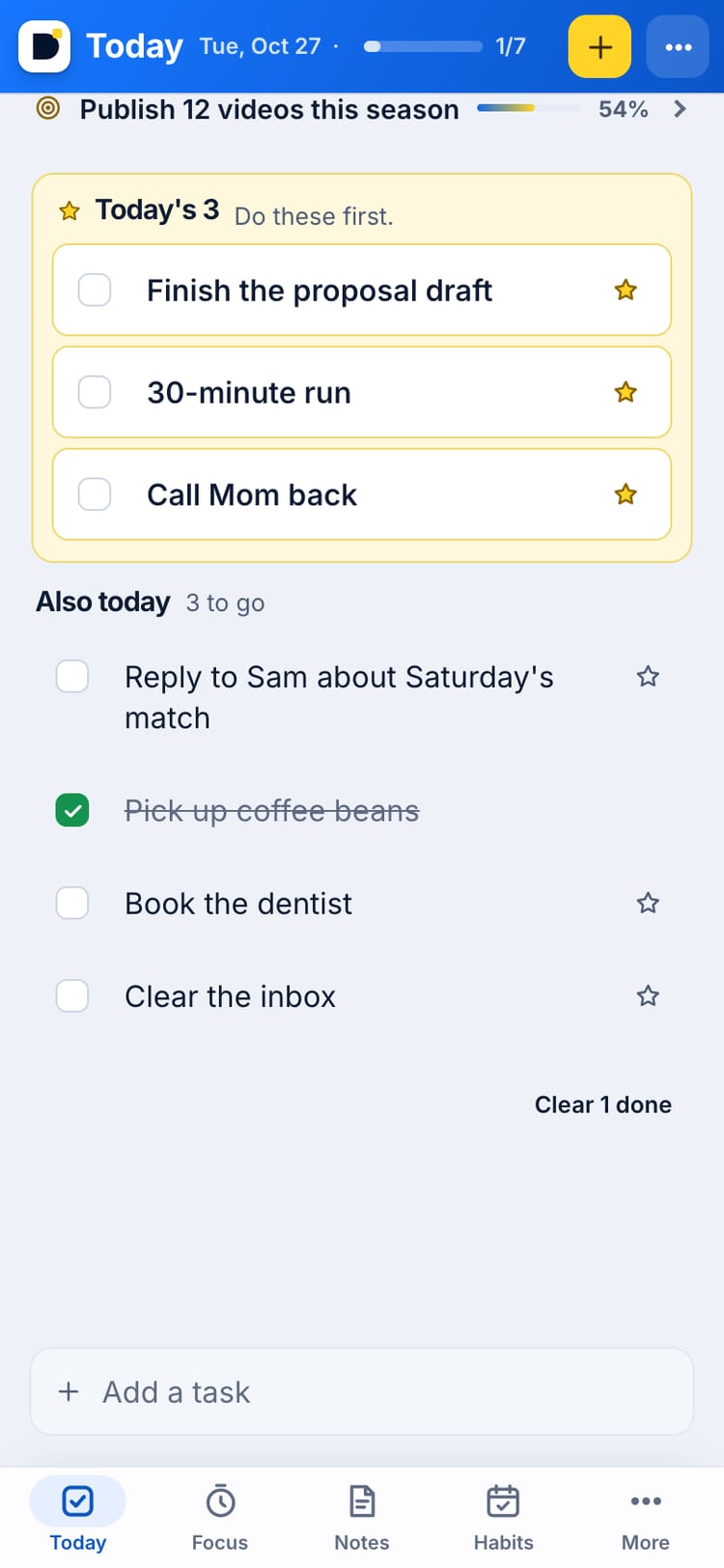
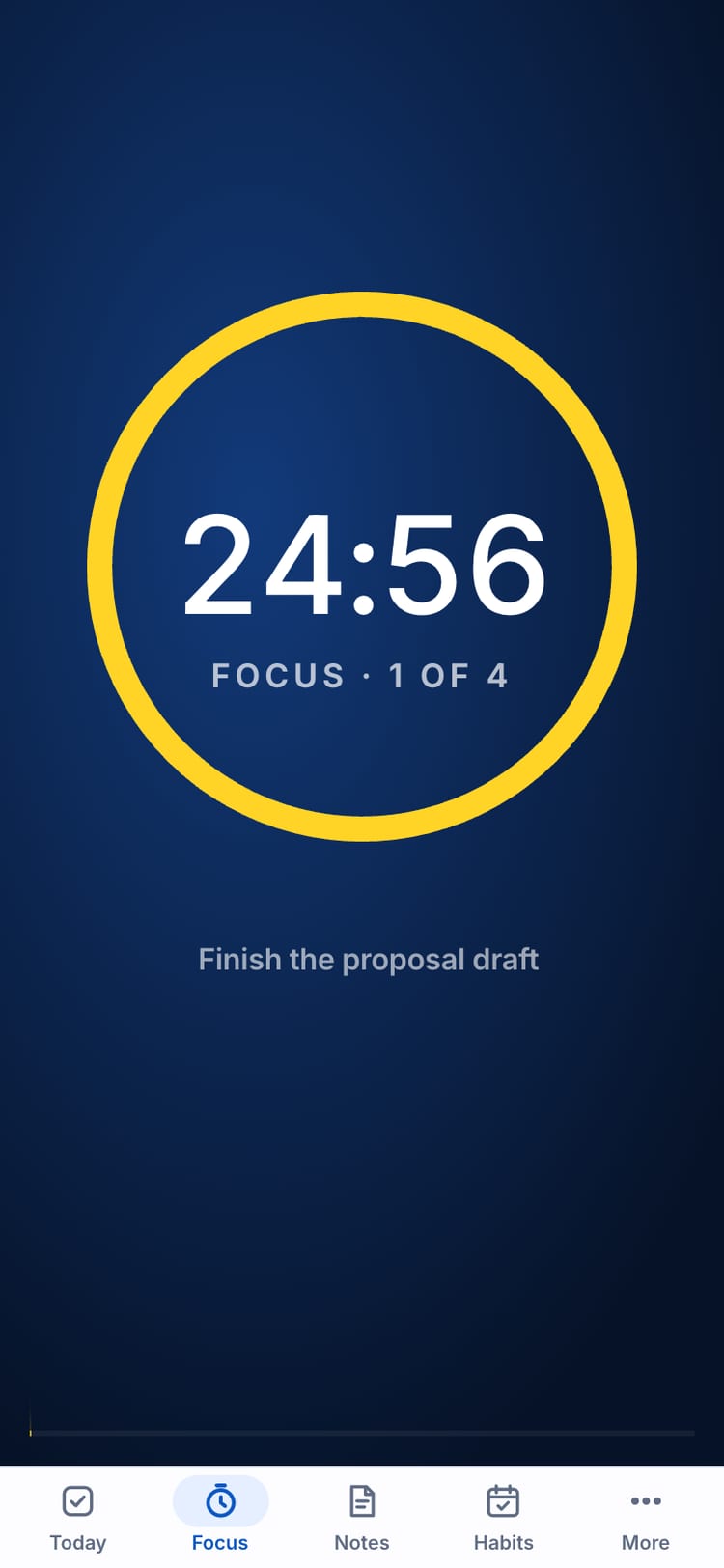
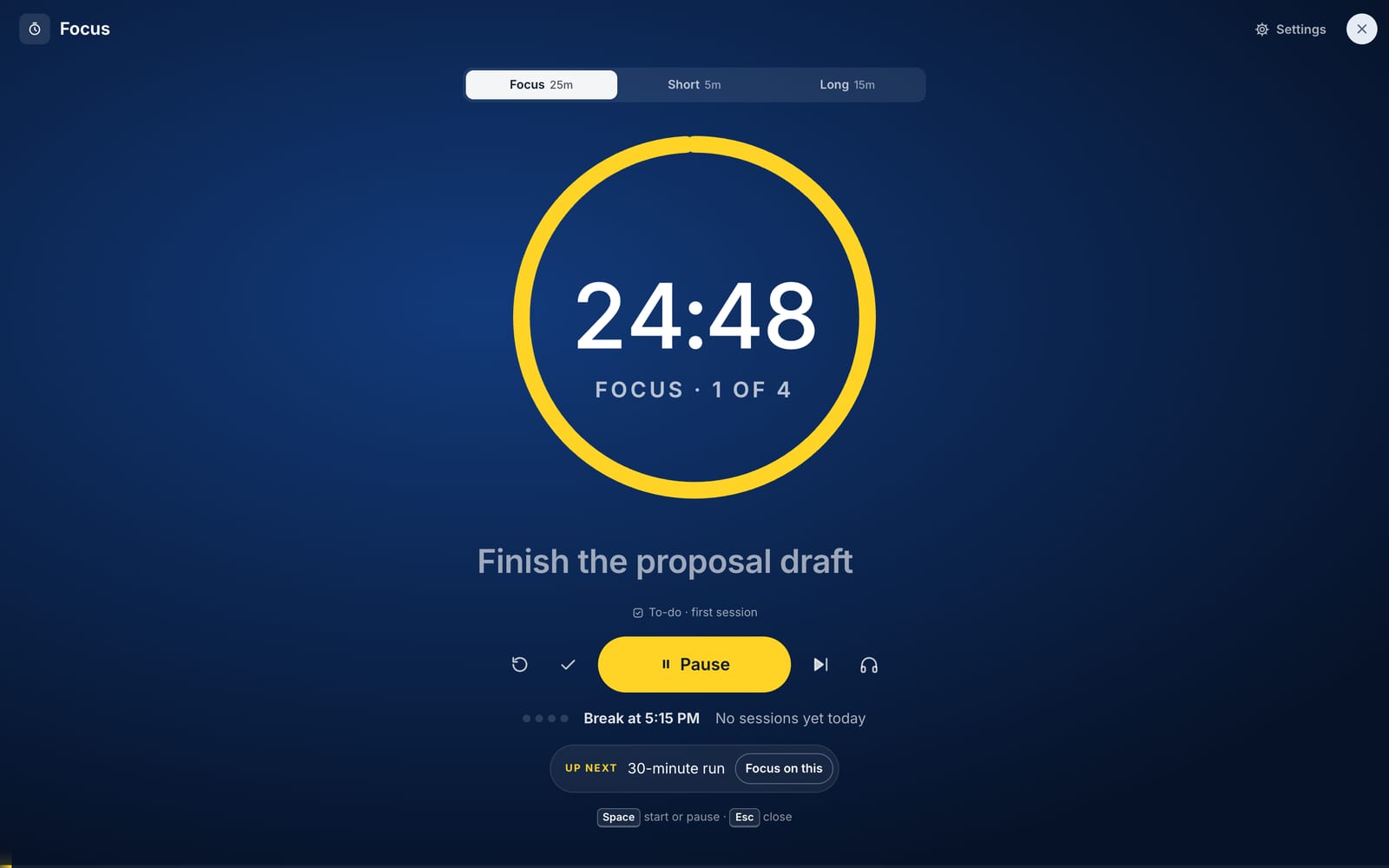
- Why it worksBuilt on two proven methods: pick your three most important tasks first, then work in focused 25-minute blocks (the Pomodoro technique). Your to-dos, habits and goals are linked, so progress adds itself up.
- How fastOpen it and type your first task. Your day is planned in under a minute.
- How easyFree. No account, no email, no install. It saves on your device and can sync your phone and computer with a private code.
To-dos, notes, habits, focus and goals in one calm place.
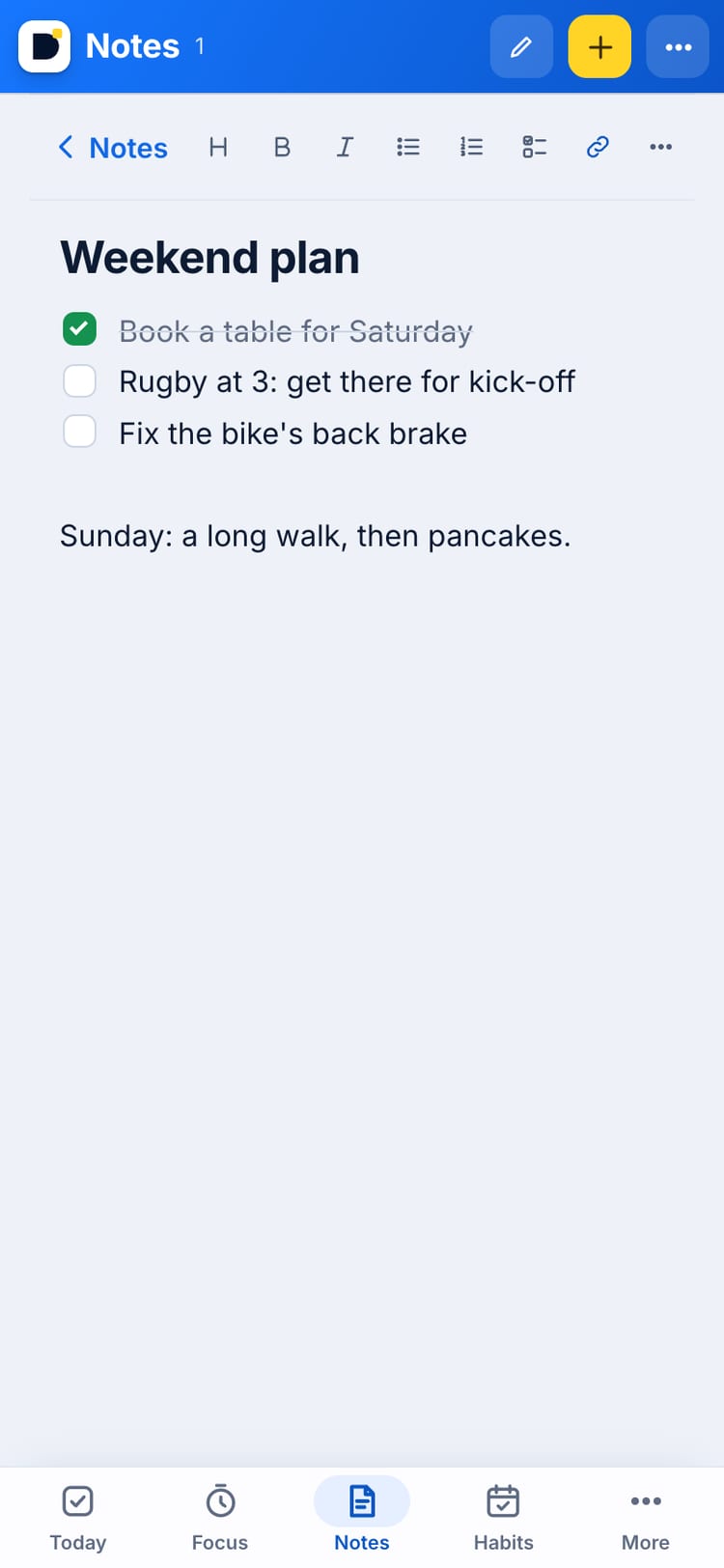
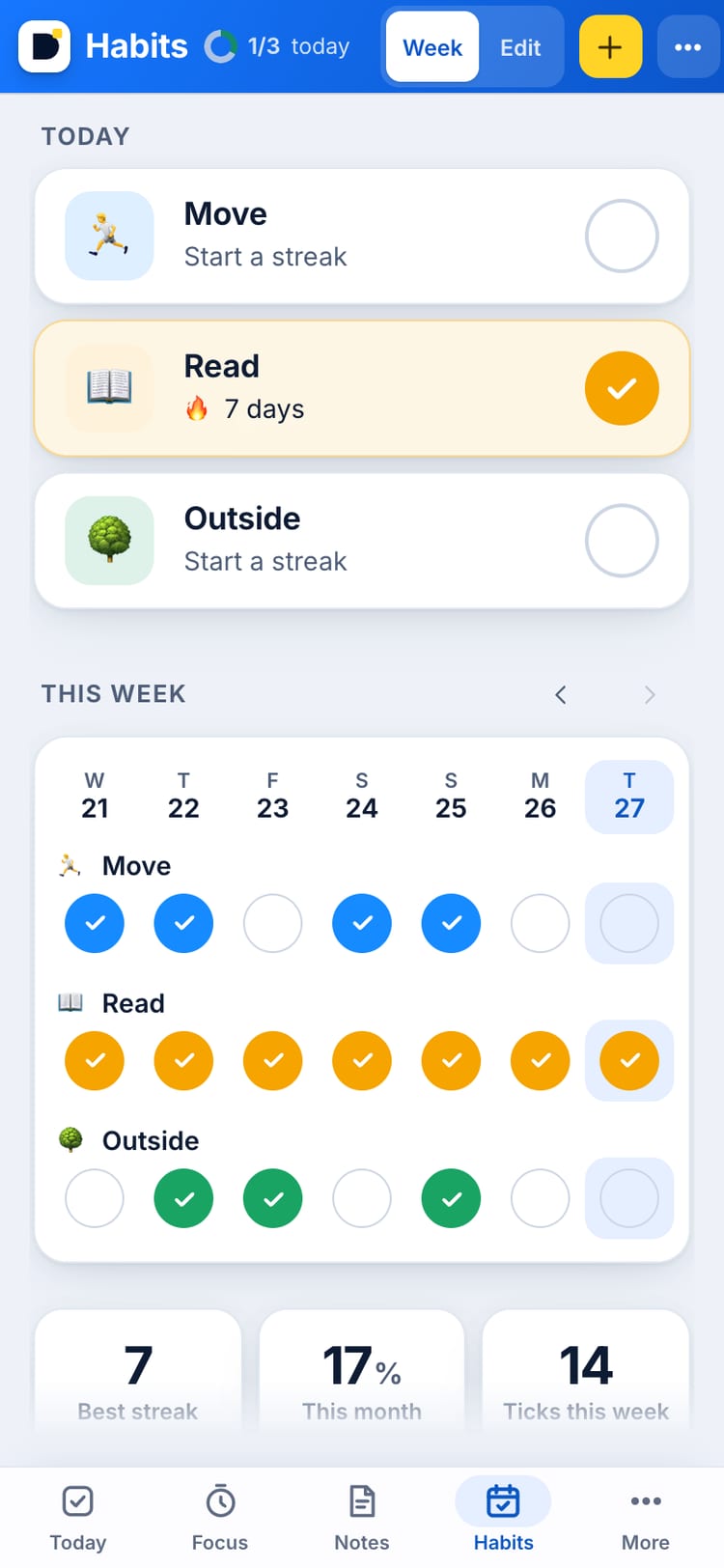
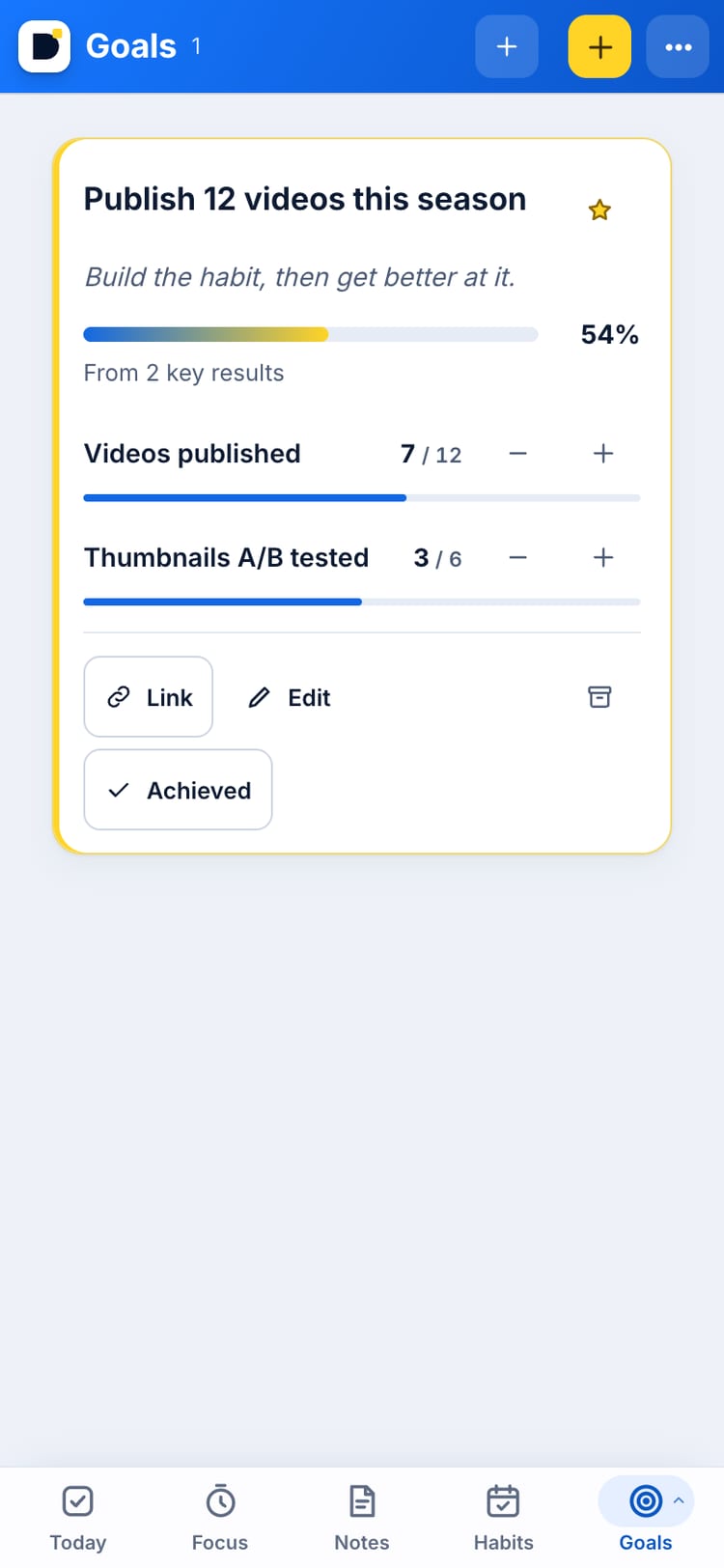
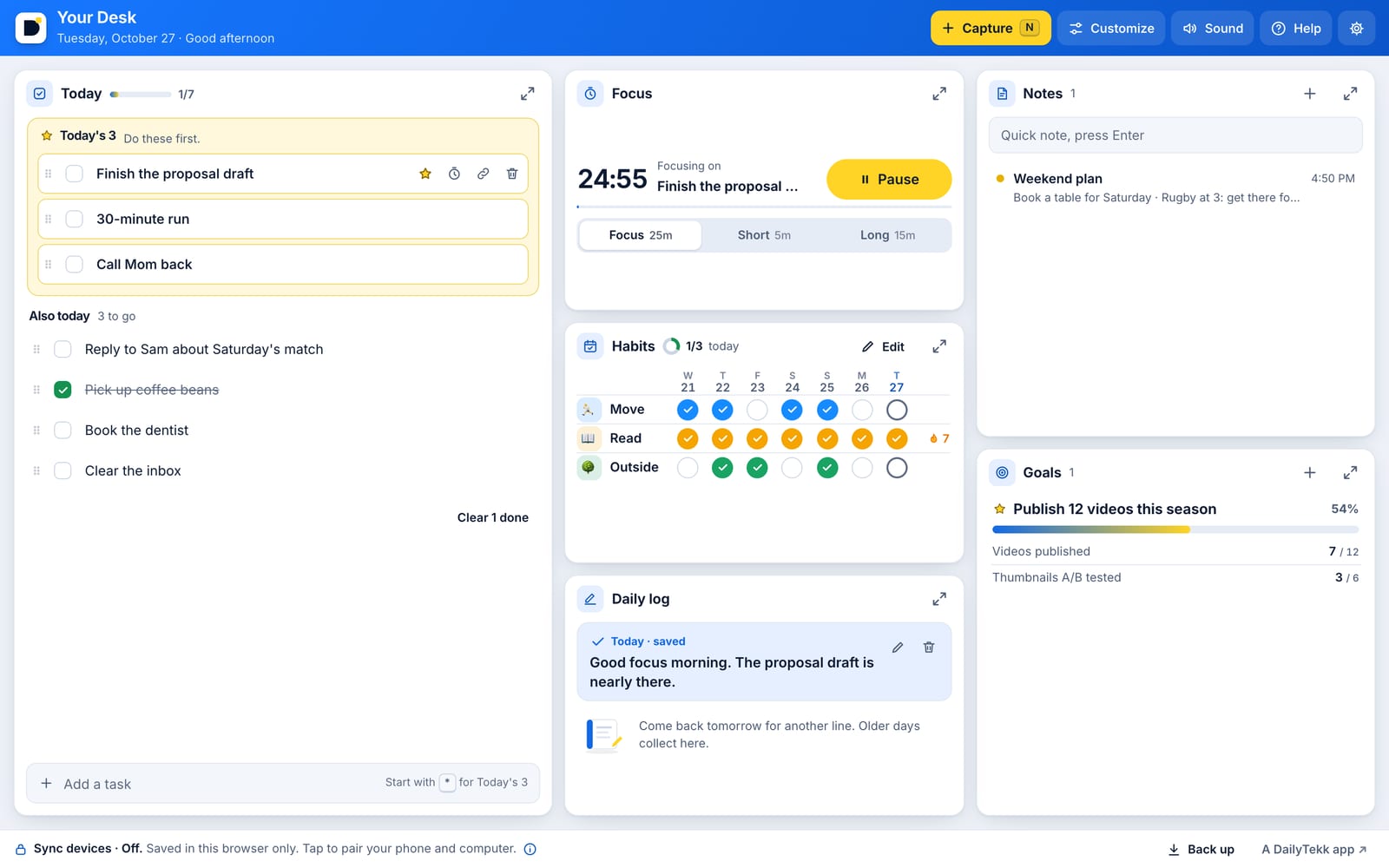
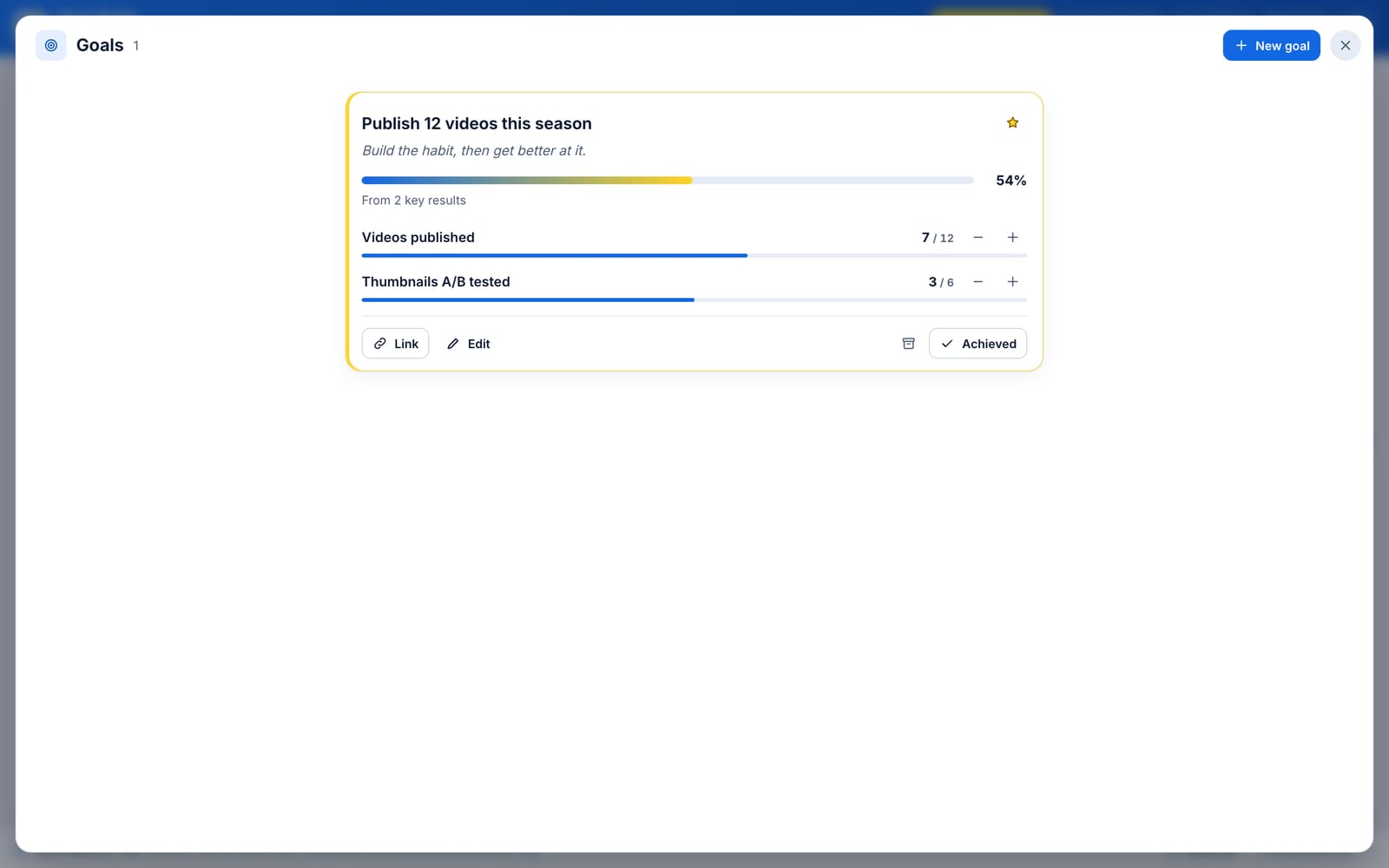
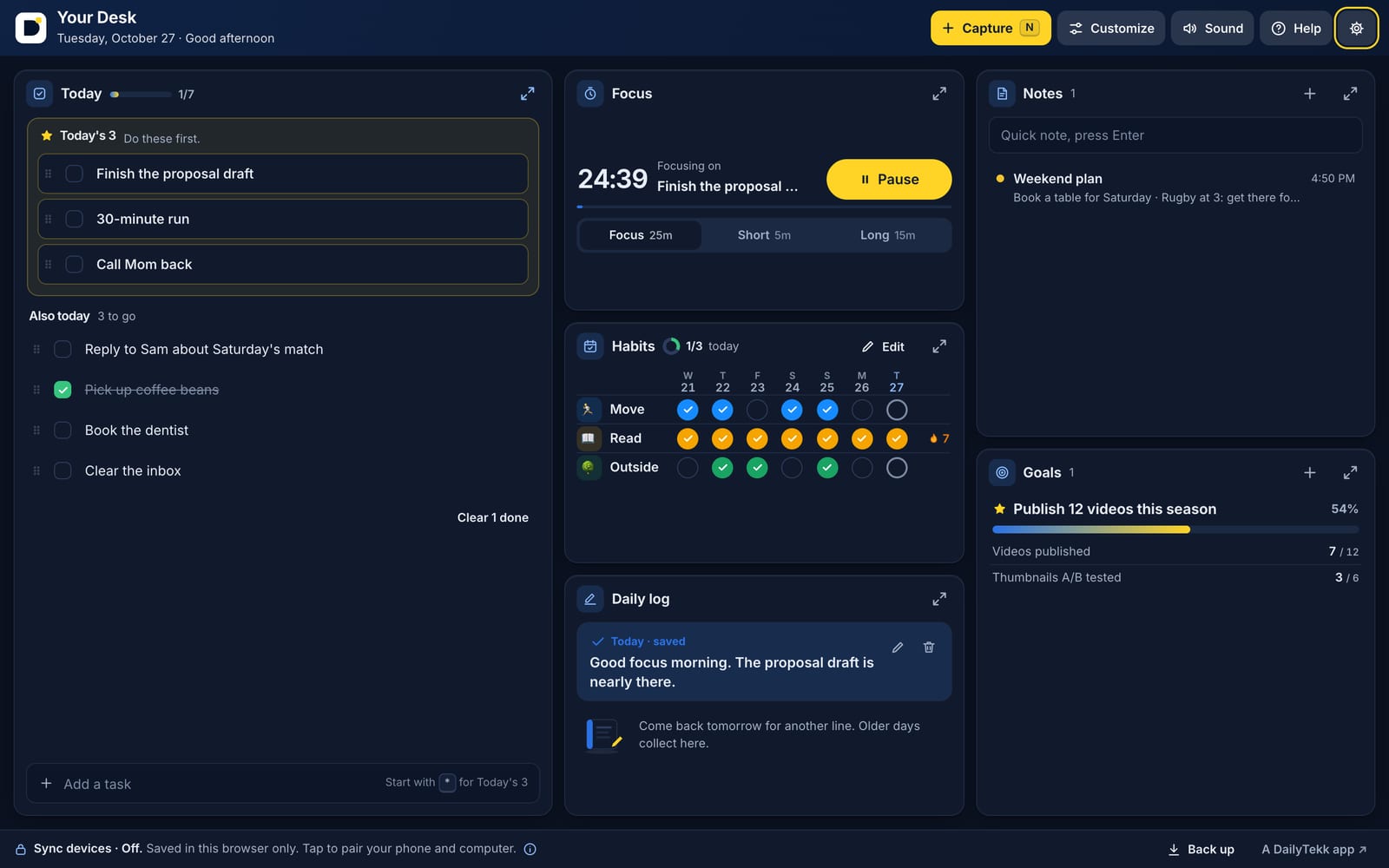
Know what matters today. Even So is a free planner that lives in your browser: pick Today's 3, give to-dos a date or a repeat, run a focus timer, keep notes and outlines, track habits and set goals with things you can actually count.
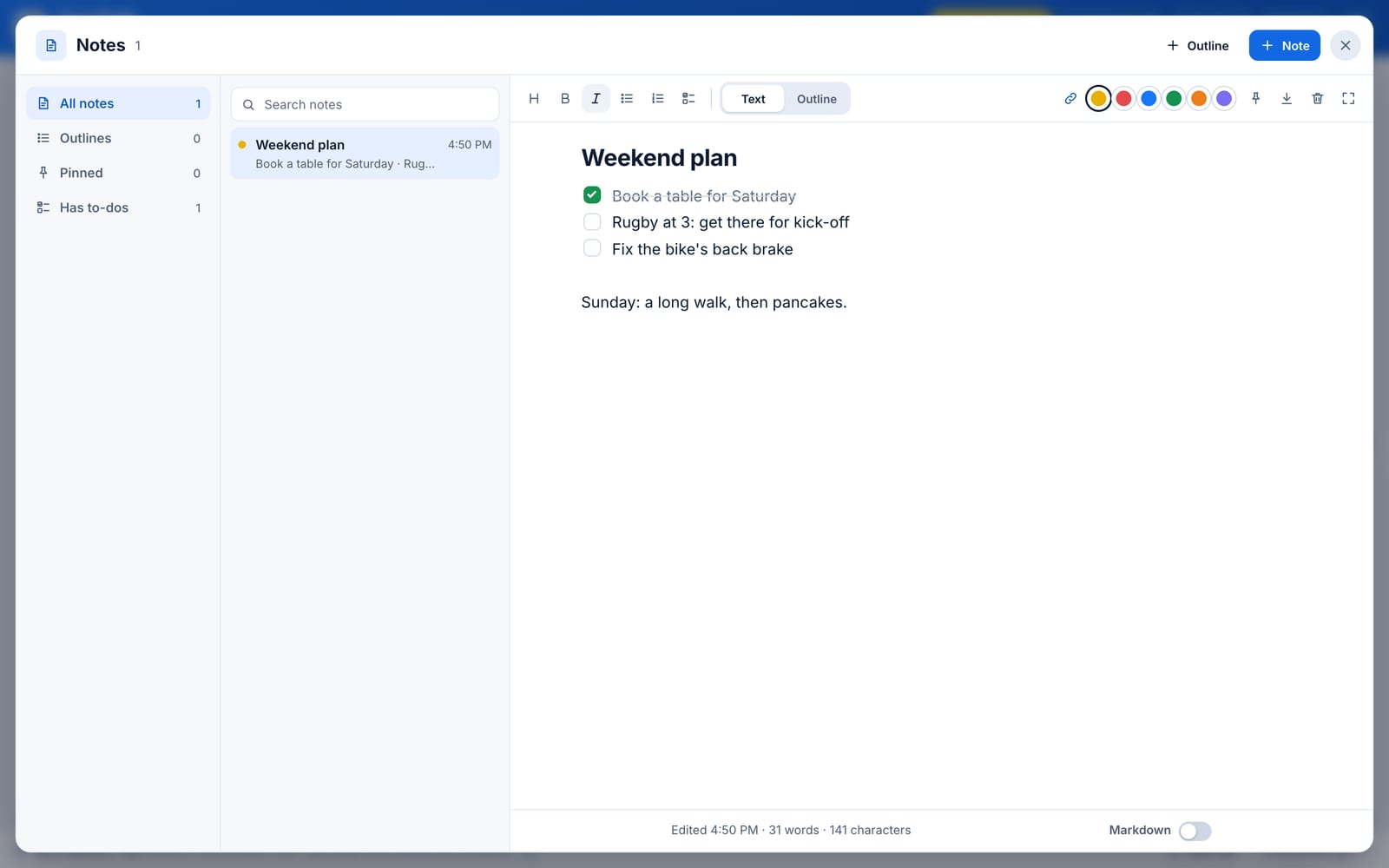
Break a to-do into steps, nest your ideas in an outline and send any point to Today. Open any box full screen on a computer for more room: a day planner, a three-pane notes app, a year of habits at a glance.
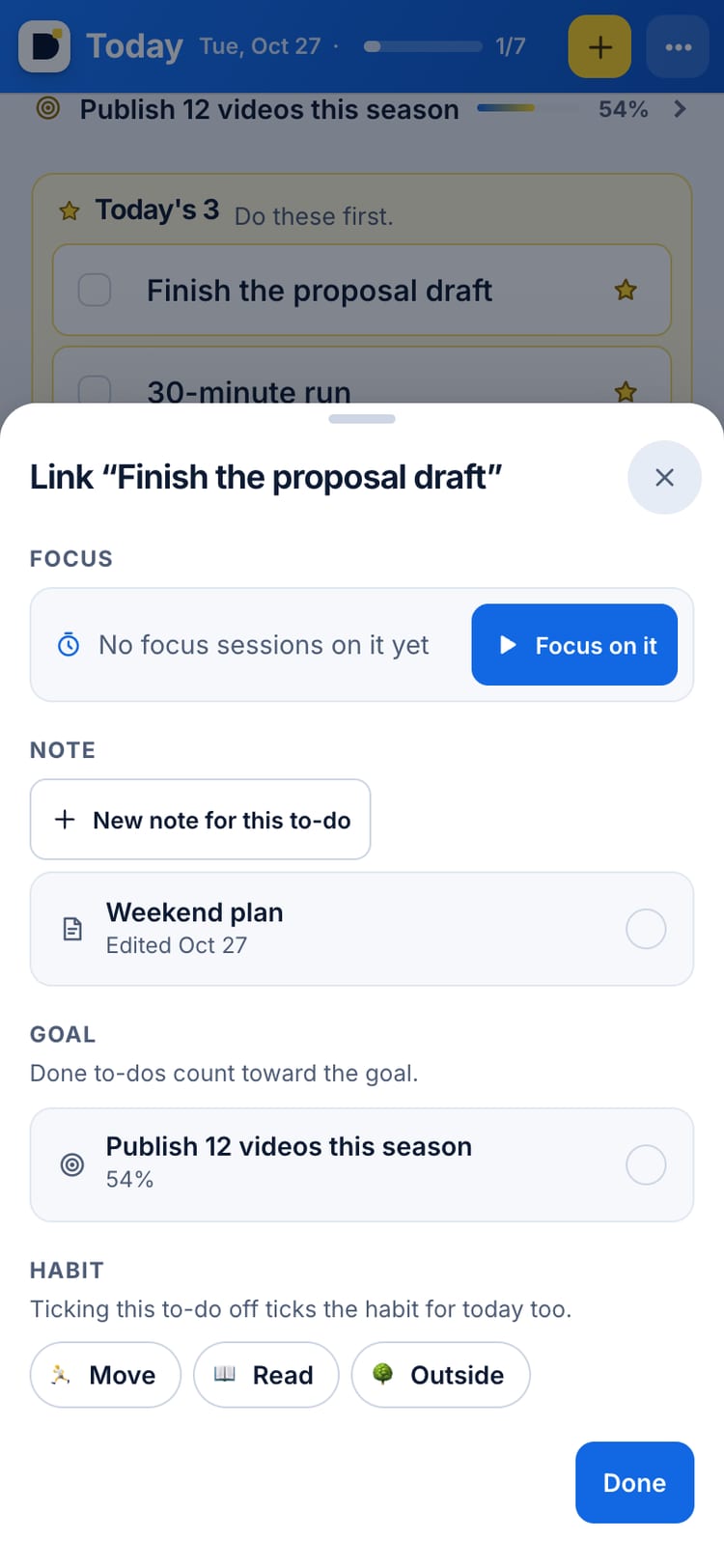
Link a to-do to a goal, a habit or a note and the progress fills in on its own. Add it to your Home Screen and it opens like an app. Sync your phone and computer with a private code: no account, no email.
Questions
Is Even So free?
Yes. Even So is free, with no ads and no account.
Do I need to sign up?
No. Everything saves in your browser on your device. If you want it on your phone and computer, turn on Sync and pair them with a private code.
Can I use it as an app on my phone?
Yes. Open dailytekk.com/evenso/ and add it to your Home Screen. It opens full screen with its own icon.
What can it do?
Today's list with Today's 3, a focus timer, notes, habits, goals with key results, voice notes, an idea board and a daily log, all linked together.
What's new
Your Desk is now Even So, at a new address: dailytekk.com/evenso. Everything you saved is still here, and your old links and bookmarks still work. Inside the app, your desk is now simply your home.
Even So can plan ahead. Give any to-do a due date (or type “tomorrow” or “fri” at the end), make it repeat, and get a reminder while the app is open. Upcoming shows what's coming, day by day, and overdue to-dos are marked in red. New homes start with four basics, and the other tools show up when they'd help.
Even So grew up. Saved replaces Links: keep articles, videos, recipes and products with real previews, collections, #tags and search, and bring your bookmarks from any browser, Raindrop or Pocket. Press ⌘K (or the yellow +) to capture anything, search everything or run a command, and share straight into your Inbox from your iPhone. Plan my day turns Today into an hour-by-hour day with your calendar behind it, plus a morning plan, Shut down and a weekly review. Revisit brings back a few things you kept each day. Type [[ in a note to link anything to anything.
Even So has outlines: in Notes, switch any note to Outline and nest points as deep as you like, fold them, zoom into one, drag a point to move it, and send any point to Today. Open a box full screen on a computer and it's built for the room: Today becomes a day planner with steps inside each to-do, Notes gets filters and #tags down the side, and Habits shows a whole year at a glance. Pasted links now stay links.
 Daily Grind FMMusic
 CommonplaceWriting
 Wallpaper MakerCreativity
 DT PostersArt