Notes swipe like to-dos on a phone
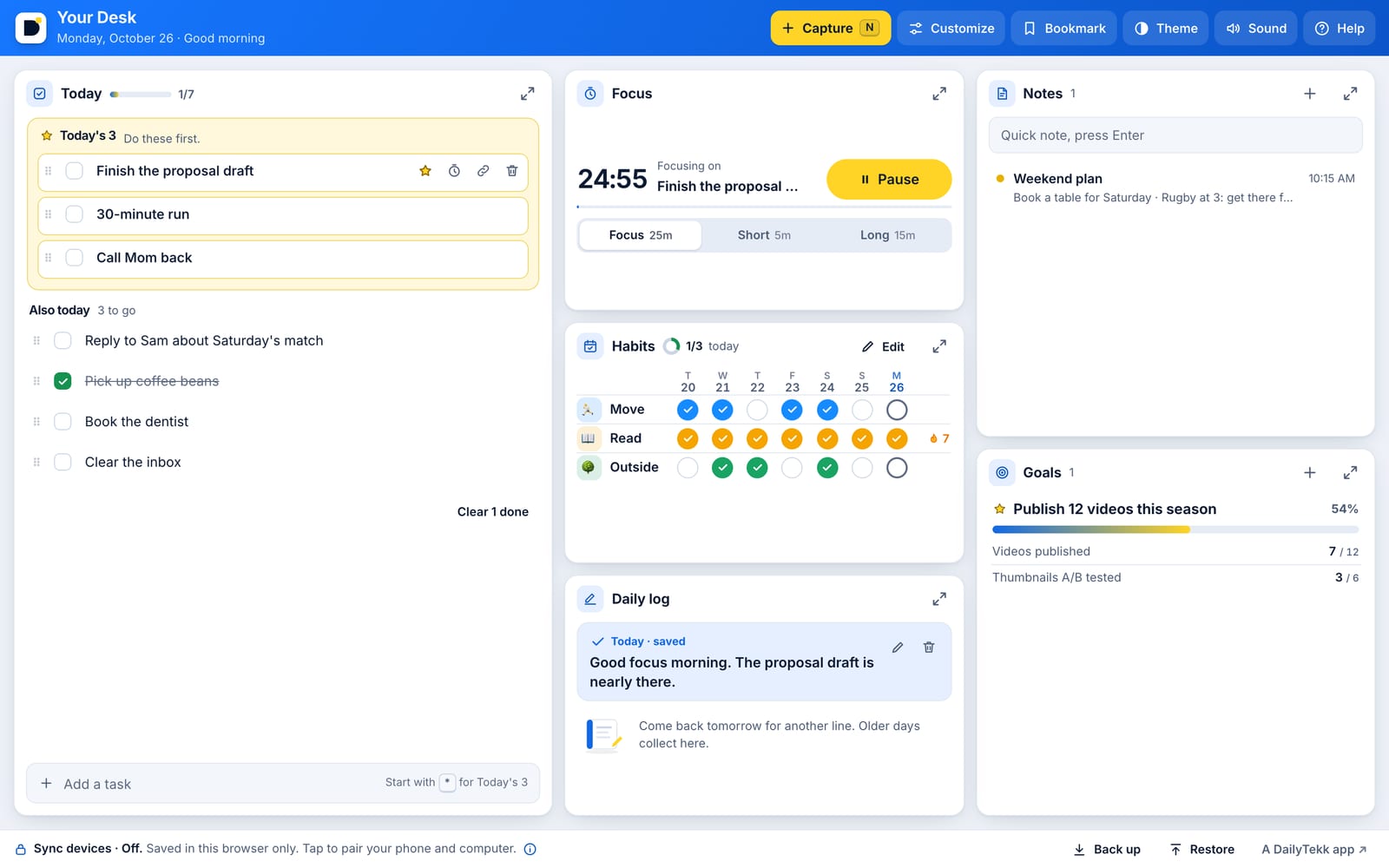
Notes swipe like to-dos on a phone: swipe a note right to pin it to the top (or unpin it), left to delete it with Undo, or a little way to show the button.
- The goal is now a slim line on Today instead of a bar on every tab, so Focus fits on small phones.
- Typing on a phone keeps the box fully in view above the keyboard, and the Your Desk logo takes you back to Today.
 Your DeskYour whole day, linked.Open